Getting started · Step 1

What to buy to get on the mesh

You need one small radio you can carry with you. That's the whole shopping list. Here are the four we'd point a neighbor to, from the simplest to the most hands-on.

One rule you can't skip

It has to be a Meshtastic device set to the 915 MHz US band (sometimes written 902–928 MHz). That's what Puerto Rico uses — a device set for Europe (868 MHz) won't talk to the rest of us. When ordering, look for "US" or "915 MHz." Not sure? Ask us before you buy.

Our picks

Four good ways to get started

Any Meshtastic device that operates in the US band will get you onto PalmasMesh. The Meshtastic ecosystem is vibrant and growing quickly. There are literally dozens of great choices available today — it mostly comes down to your budget, desired features, and personal preferences. The devices listed here are simply options we most commonly recommend for getting started.

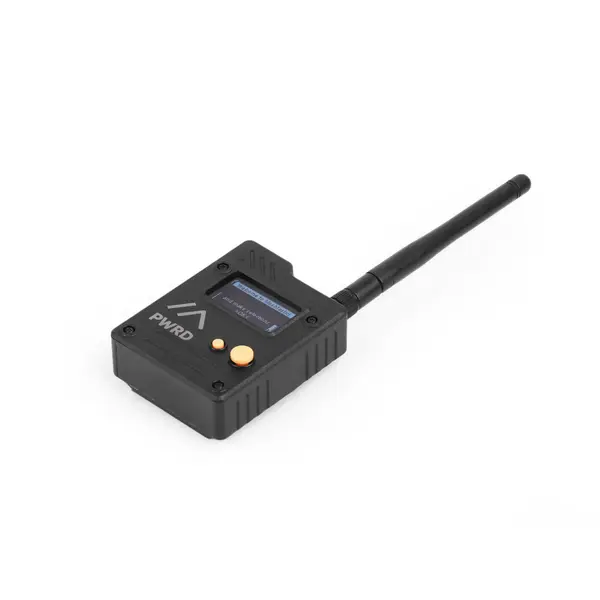
Seeed Wio Tracker L1 Pro
Easiest to start≈ $47

Seeed Wio Tracker L1 Pro

If you want something that works the moment you open the box, start here. It comes assembled with a little screen, a built-in battery, and even a solar input to help top it up. Turn it on, pair it with your phone, and you're on the mesh.

Best for: Most neighbors — especially if you're not into gadgets.

View this device →
RAK WisMesh Tag
Best pocket tag≈ $50

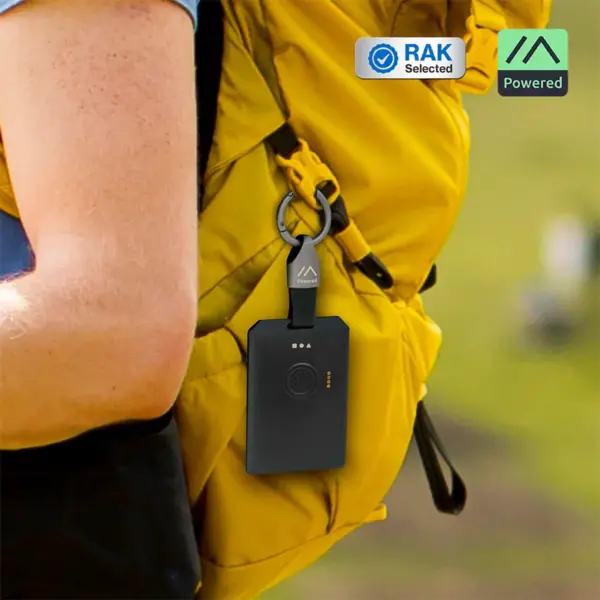
RAK WisMesh Tag

A sealed, weatherproof tag about the size of a credit card, with the antennas tucked inside so there's nothing to stick out or snap off. It clips to a bag or lanyard, the battery lasts a couple of days, and it shrugs off rain. Built to just live in your pocket.

Best for: People who want something tiny and rugged to carry everywhere.

View this device →
Elecrow ThinkNode M1
Best screen≈ $63

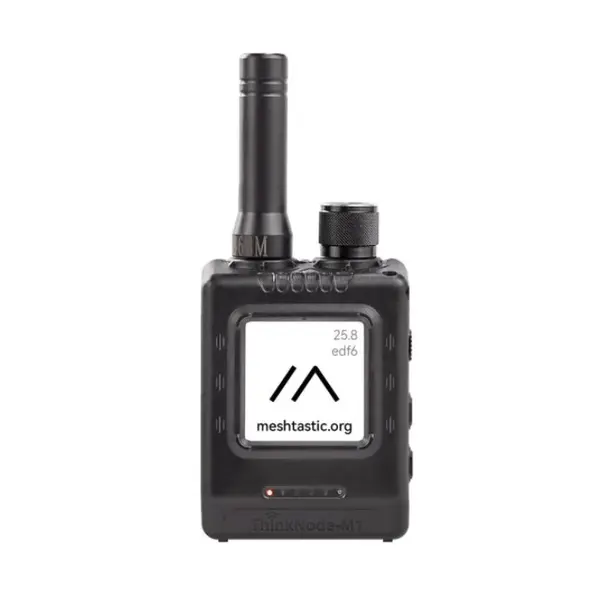
Elecrow ThinkNode M1

A proper little handheld with buttons and an e-paper screen you can read in bright sunlight — so you can see messages right on the device without reaching for your phone. The battery stretches to four or five days. This link ships from within the US.

Best for: Anyone who wants to read messages on the device itself.

View this device →
Heltec MeshPocket
Two-in-one≈ $49

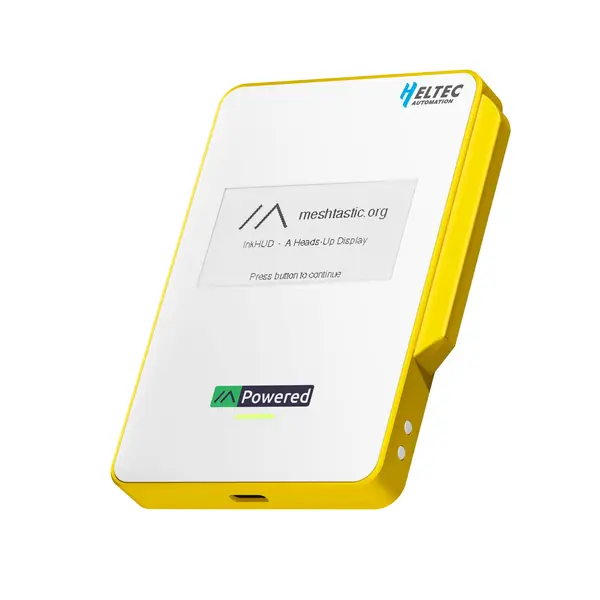
Heltec MeshPocket

Clever idea: it's a phone power bank that's also a mesh radio. You'd carry a battery pack anyway, so this one keeps your phone charged and keeps you on PalmasMesh at the same time. It even charges your phone wirelessly. (Not weatherproof, so keep it dry.)

Best for: Folks who'd rather not carry a separate gadget.

View this device →

Also worth a look

A couple of other solid, ready-to-use options if none of the above fit: muzi.works SuperBase Kit, Seeed SenseCAP T1000-E.

A note on links: some links on this page may be affiliate links, meaning PalmasMesh could earn a small commission if you buy through them — at no extra cost to you. We only recommend gear we'd tell a neighbor to buy, commission or not.

A common question

Do I need a bigger antenna?

Usually not. As we build out PalmasMesh, the goal is solid coverage across the whole community — so a sealed "tag" with an antenna tucked inside, or a device with the small "stubby" antenna it ships with, should work fine for everyday carry.

A larger antenna mostly helps in two cases: a fixed node mounted up high, or if you're out near the edge of our coverage. Start with whatever's in the box — you can always add a better antenna later if you find you need one.

Want to do more?

Thinking about hosting a permanent node?

The four picks above are all portable client devices — the kind you carry with you. They're not meant to be permanent infrastructure.

If you'd like to contribute to the network in a bigger way — installing a permanent outdoor node on a roof or high point to extend coverage for the whole community — that's a different (and hugely valuable) kind of setup. We've put together a guide to hosting a permanent node — the outdoor units, antennas, and parts we'd recommend. Or just get in touch and we'll help you get it right.