From a self-contained solar unit you can forget about, to a fully networked gateway, all of these are meant to stay put and run around the clock — not to carry with you.
Set it and forget it≈ $90
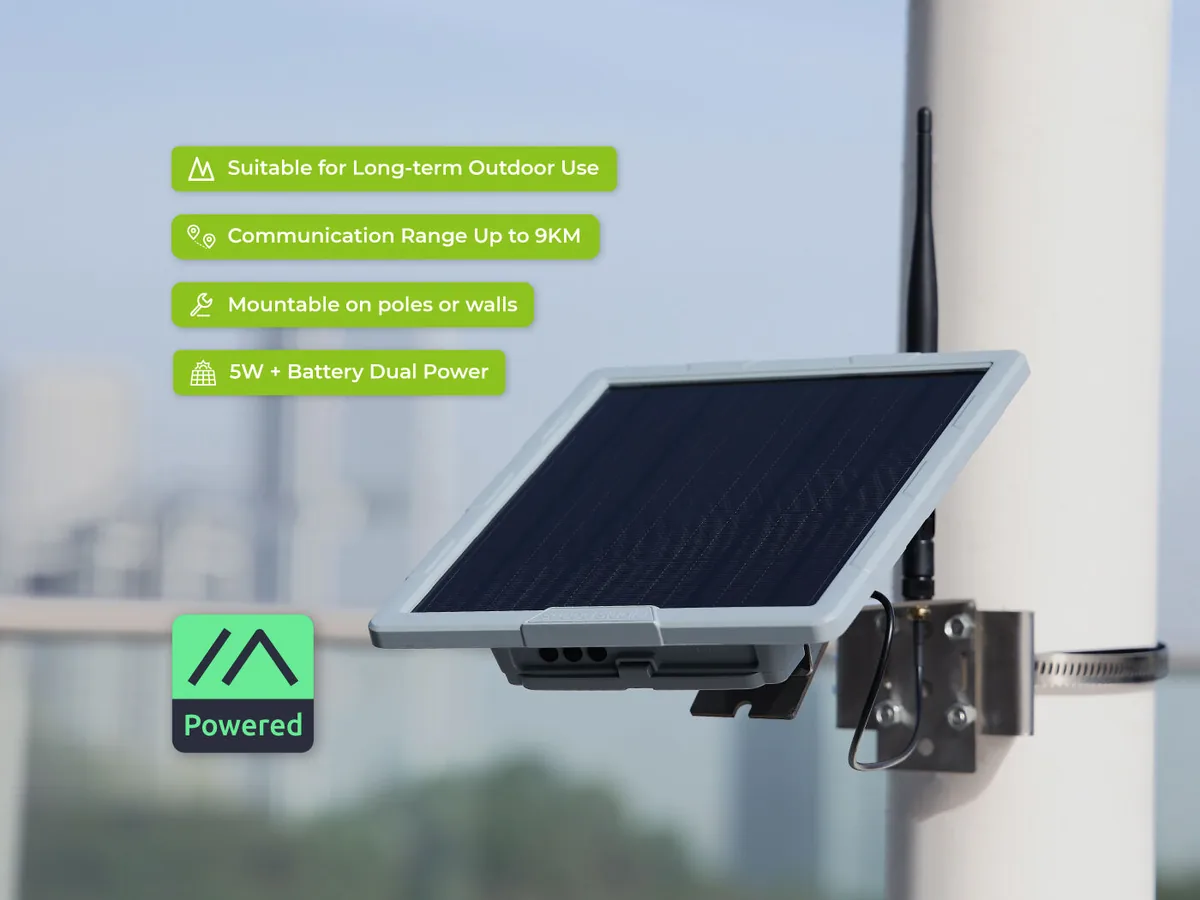
Seeed SenseCAP Solar Node P1 Pro
The simplest way to put up a real outdoor node. It's solar-powered and fully self-contained — panel, battery, radio, and weatherproof case all in one. Mount it up high where it gets sun, point it at the sky, and it keeps running on its own, even with the grid down. No wiring, no power outlet needed.
Best for: Most people. If you want one node that just works without cabling and is immune to power outages, start here.
View this device →Rugged & powered≈ $120
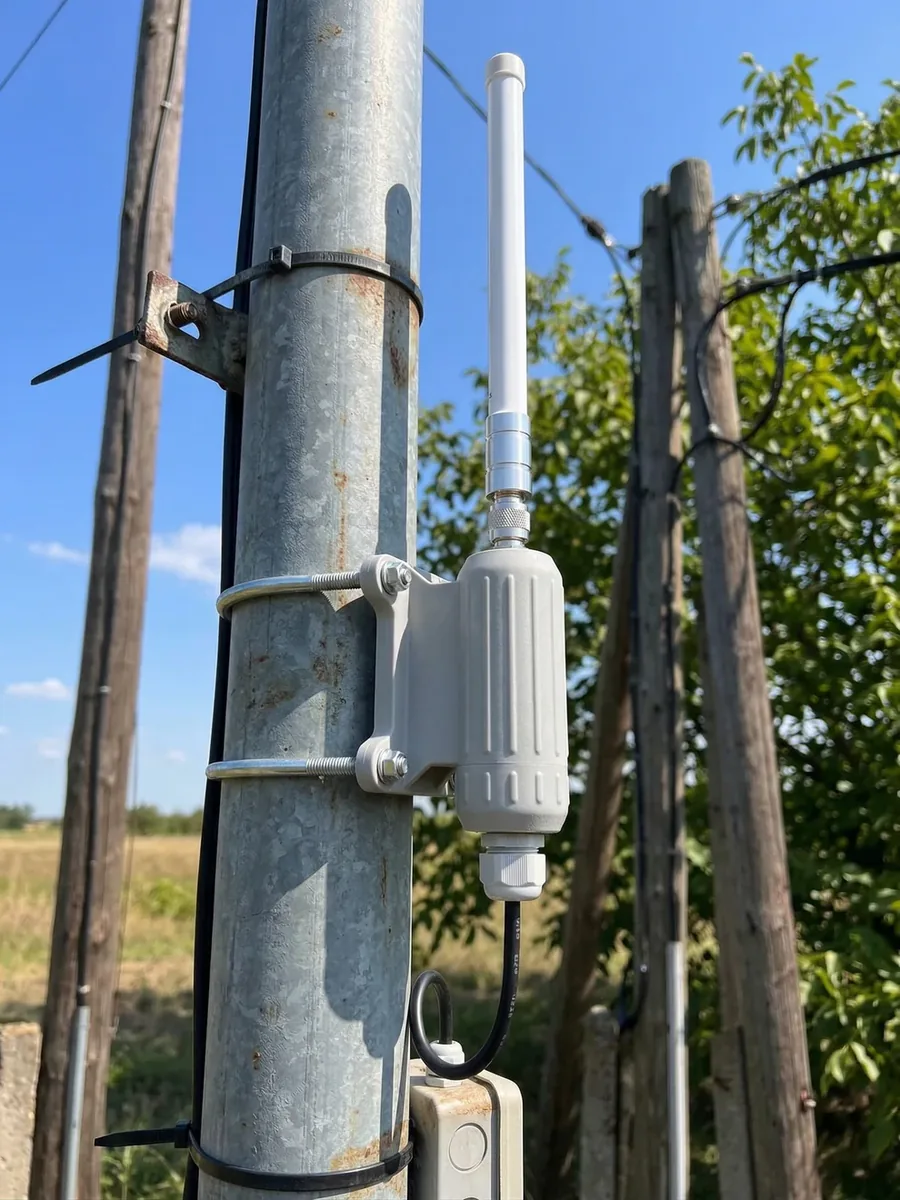
LowMesh Outdoor PoE Node v1
A tough, weatherproof outdoor node that draws its power over a single ethernet cable (Power over Ethernet), so there's no separate power supply at the node itself. It doesn't carry data over that cable — you manage it over Bluetooth or USB — but it's a rock-solid, always-on relay for a roof or pole. With a standard high-performance antenna and a slim, low-profile design, this unit should have a higher chance of storm survival.
Best for: A permanent, mains-powered spot where you can run a cable but want a clean, robust install.
View this device →Most capable≈ $115
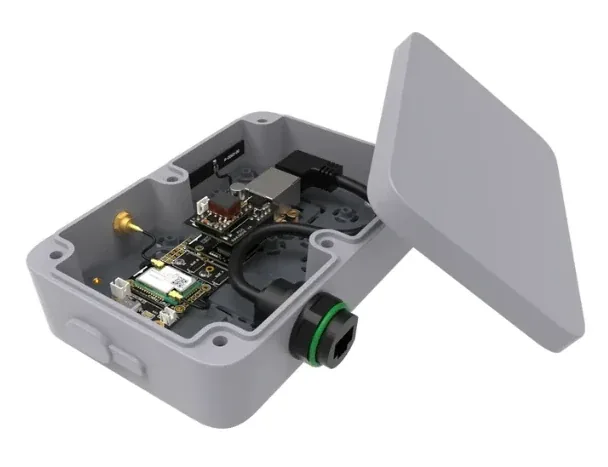
RAK WisMesh Ethernet Gateway
The nicest option, and the most involved. It also runs on Power over Ethernet, but unlike the others it connects to your local router or switch — so you can manage it right over your home network, and it can link to distant nodes over the Internet (MQTT), not just by radio. Plan on spending a little extra: you'll need mounting hardware, a PoE injector, and an ethernet run to where it lives.
Best for: Hands-on hosts who want network control and an Internet bridge for the mesh.
View this device →Cheap gap-filler≈ $20
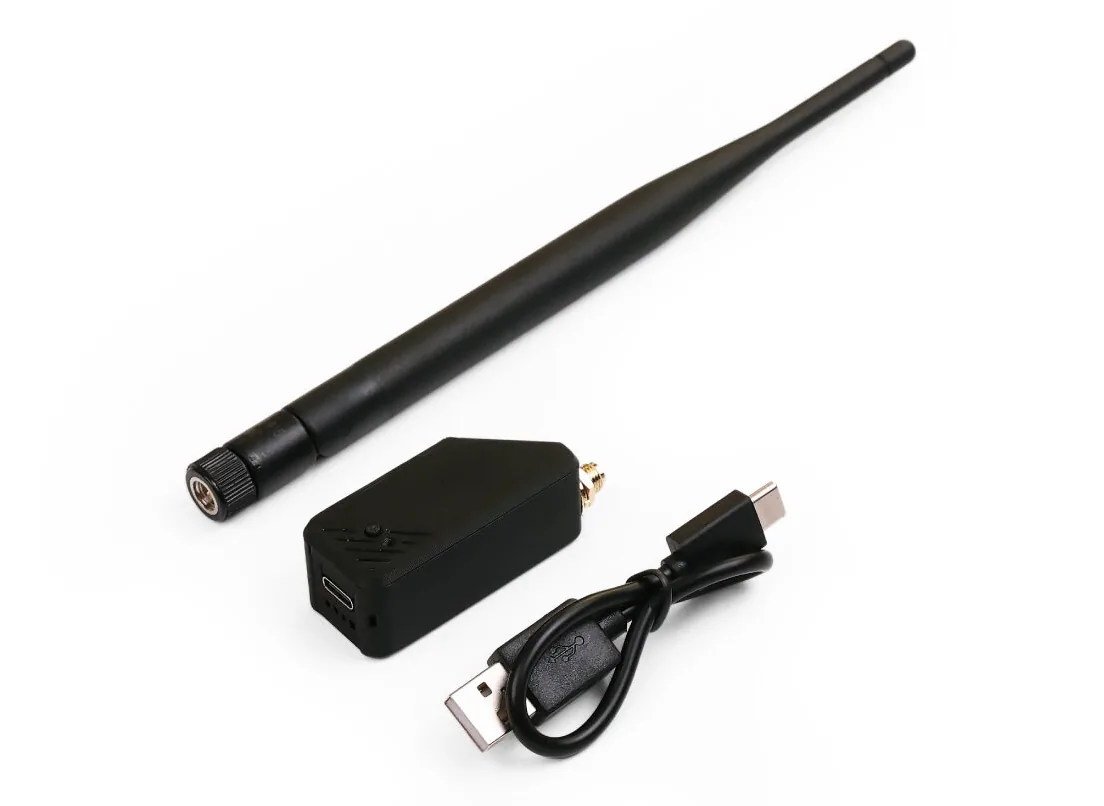
Seeed XIAO ESP32S3 (with enclosure)
A tiny, inexpensive node you can place near a window — ideally on an upper floor. It won't match a proper outdoor install with a good antenna, but it's a cheap, easy way to fill in a coverage gap. Great for a small business that wants to make sure customers stay on the mesh while they're inside. It can even connect to your Wi-Fi for easier management and connectivity to other nodes.
Best for: Filling a dead spot indoors, or businesses extending coverage on a budget.
View this device →